|
G&D |
 |

|

|

|
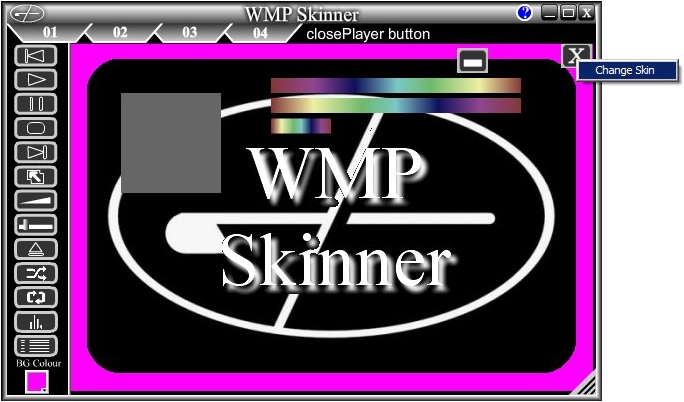
When you want to change a selected image, right click on it.
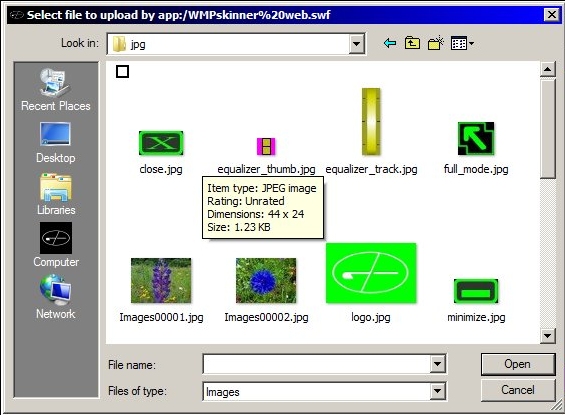
A context menu will pop up. Select "Change skin" to get a standard windows selection window.
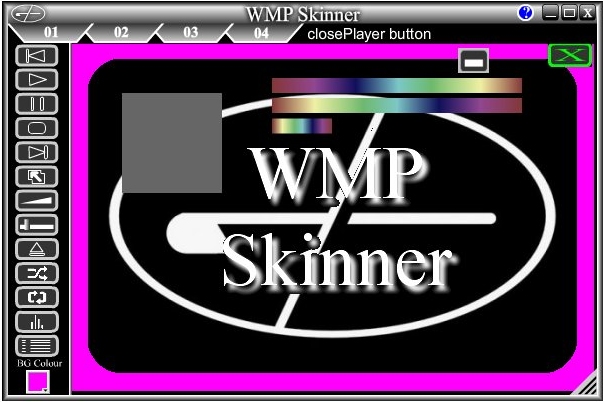
Then serch for and select your desired image.
Note that some items have more than one selection.
This is for the other options that are needed for the chosen item.