|
G&D |
 |

|

|

|
If you load a base skin that is smaller than the original, the assets will be outside of the skin.
This is not a problem as long as you remember to click on them with the mouse.
As soon as you do, that asset will snap to the inside of the base skin.
Then once all are inside the base skin once more, you can continue with your creation.
If you do not do this, you will get un-wanted results.
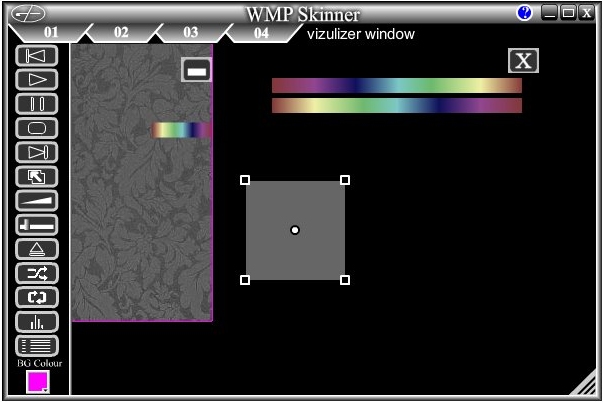
The only one that will not snap inside, is the visualisation window.
So remember to place it in the skin area.
If you do not wish to use it, simply grab a corner and shrink it to a point. This will hide it.